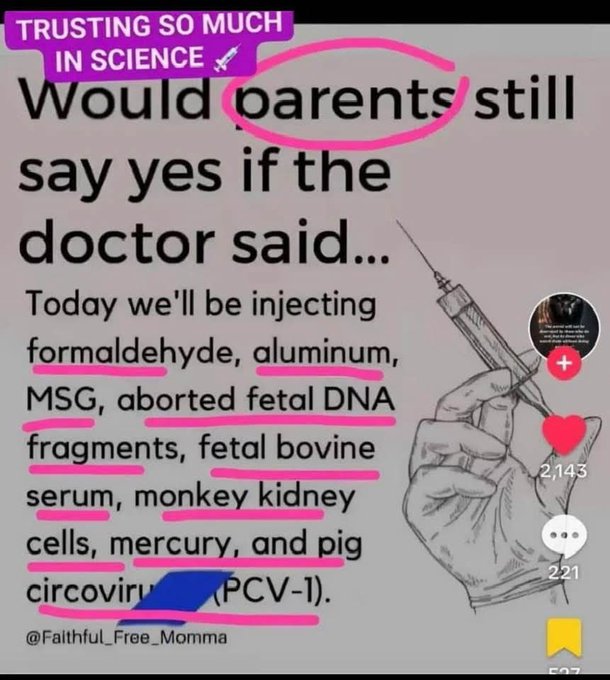
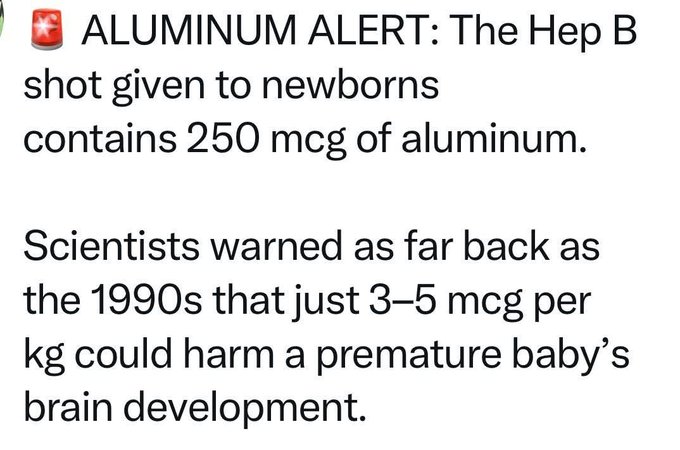
Aluminium In Vaccines Damages Brains
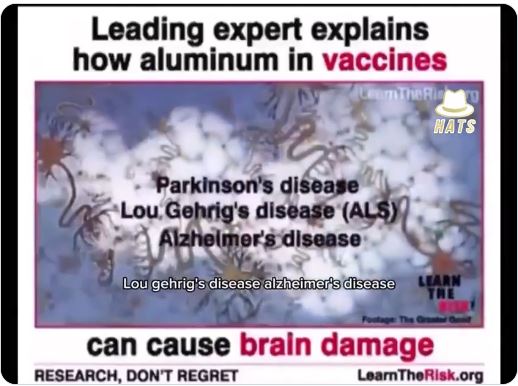
Leading expert explain how aluminum in vaccines can cause brain damage.
Vitamin K helps lower mortality risk in people with fatty liver disease.
Higher vitamin K intake from food was linked to a 19% lower risk of death in people with fatty liver disease, according to new long-term research.
Even moderate vitamin K intake — below 121 micrograms per day — was linked to a 33% drop in death risk, especially in those not taking supplements.
Obese individuals and older adults showed less benefit from vitamin K, likely due to reduced utilization or nutrient trapping in fat tissue with age and body weight.
A major cause of fatty liver disease is excess linoleic acid (LA) and low choline intake, which together damage mitochondria, impair fat metabolism, and promote dangerous fat buildup in the liver.
Press Conference Alert: Eminent German Doctors, Professors, and 200+ Signatories Demand Immediate Ban on mRNA COVID Vaccines Amid Soaring Health Crisis and Plummeting Birth Rates
(Tom: From a newsletter I received from someone called Aussie17.)
“Today, we are issuing an urgent risk warning and calling for a moratorium on mRNA vaccines, an immediate halt, and an evidence-based reassessment.”
(Full Subtitled 2 hour Press Conference at the end of article)
In the same week that Japan held a press conference calling for a moratorium on mRNA vaccines, a group of nine eminent German health experts—including professors, doctors, and a pharmacist—held a press conference to warn about the risks of mRNA vaccines and demand their immediate suspension. Organized by the MWM-Proof Initiative and supported by over 200 signatories, including doctors, lawyers, and health professionals, they called for open discussions with policymakers. Their goal is to halt mRNA vaccines until their safety is thoroughly studied, citing associations with increased mortality, chronic illnesses, and declining birth rates. They urged the public to visit mwm-proof.com to sign the petition.
The two-hour press conference, available to watch in German here, features several presenters. Let me summarize what each of them said.
Dr. Dirk Volker Seeling, a psychologist and publisher, hosted the event. He focuses on health and societal issues, organizing expert discussions. Dr Seeling introduced the call for a moratorium on mRNA vaccines, pointing to data linking them to more deaths, diseases, and lower birth rates. He noted immune system issues like Chronic Fatigue Syndrome, heart inflammation, and cancer risks from spike proteins, lipid nanoparticles, and DNA contaminants. The FDA calls mRNA vaccines gene therapy, which he says fits their genetic impacts.
Prof. Dr. Gerald Dyker, an organic chemistry professor at Ruhr University Bochum with over 160 papers, studies chemical safety and nanomaterials. Dr. Dyker questioned if mRNA vaccines are safely tested. He criticized the Paul-Ehrlich-Institut for political influence and weak checks, like only requiring 50% intact mRNA and doing visual inspections. Batches vary widely, with extra lipids or DNA impurities. A recent study found 75% of a key lipid (ALC-0315) is toxic due to ignored chemistry rules. With mRNA pushed for kids and animals, Dyker says approvals skip steps, risking health. The side effect list is massive compared to flu shots, demanding a rethink.
Dr. Andreas Sönnichsen, a professor of internal medicine and evidence-based medicine from the Medical University of Vienna, has training from Munich and leads rigorous health research. Dr Sönnichsen said vaccines for healthy people need strong proof. Approval studies focused on minor infections, not serious outcomes, showing just 0.7% effectiveness. They ignored early illnesses, and later data was flawed, hiding harms. Boosters? A study showed more shots meant more COVID cases. For kids, disease risk is near-zero, but side effects are 60x higher and deaths 20-25x worse than other vaccines. He called it a scandal, urging a stop and suggesting safer options for the elderly.
Dr. Kurt E. Müller, a dermatologist and environmental medicine expert, teaches at Dresden International University and has 28+ papers on immune health. Dr Müller linked mRNA vaccines to immune issues, based on 20 years of research. In 61 sick patients, high IL-10 and IL-4 levels showed weak defenses, causing autoimmune issues, allergies, and Mast Cell Activation Syndrome spikes. Low Interferon-Gamma and IL-2 raised tumor risks, worsened by SV40 in vaccines, a cancer-linked contaminant. Sudden deaths jumped 4x, nursing cases 7x. Spike proteins linger, causing harm. Müller, who warned against ventilators in 2020, demanded an immediate stop to this risky “gene therapy.”
Prof. Dr. Konstantin Beck, a Swiss economist and statistician at the University of Lucerne, has 80+ papers on health economics and insurance. Prof Dr. Beck asked if mRNA vaccines harm fertility. He showed Swiss and Czech birth rates rose until 2021, then dropped sharply in 2022—68% of 38 European countries followed. High-vax areas had bigger declines (96% link). Pro-vaccine studies used tiny samples or tricks, like counting early miscarriages as unvaccinated. Critical studies (e.g., Israeli data) showed 42-142% higher fetal deaths. Beck said it’s unlikely women worldwide suddenly chose fewer kids. No safe pregnancy data exists, so he called for a moratorium.
Dr. Michael Nehls, a molecular geneticist and MD with 50+ papers, advised Germany’s Bundestag on pandemics. Dr. Nehls said severe illness comes from cytokine storms, not viruses, and can be stopped with lithium (2020/2022 trials: halved hospital stays, no ICU/deaths) or vitamin D (77x winter risk; 100-150 nmol/L nearly eliminates deaths). 2020 studies were buried, and EU caps blocked vitamin D use. Calcifediol cut ICU visits 25x. At 6€/year, it’s cheaper than masks. Dr. Nehls accused leaders of pushing mRNA by hiding cheap, safe options like diet and sleep, calling it criminal neglect.
Dr. Erich Freisleben, an internal medicine doctor with 37 years in Berlin, founded a holistic medicine network. Freisleben treated 250+ vaccine-injured patients; 55% had post-COVID-like symptoms (vs. 5% true long COVID). Only 3.4% had prior infections; 79% got sick within 14 days. Tests showed low T-cells and lingering spike proteins (even in blood, placentas, brains). His early warnings were ignored; 2023 guidelines later confirmed his findings. Only 6-8% of cases are recognized—a scandal. He urged a moratorium and more research to stop this “catastrophe.”
Christina Delprete, a pharmacist from Switzerland, knows medicine production rules. Delprete criticized mRNA vaccine production for breaking quality rules. Batches had low intact mRNA, DNA contaminants, and SV40 (cancer-linked, per FDA limits). The EMA admitted issues. Tests skipped cancer risks and interactions, despite use in healthy or pregnant people. Production changes weren’t approved, and self-replicating RNA risks the environment. Delprete said emergencies don’t justify sloppy work—medicines must match labels and be safe. She demanded a full review to restore trust.
Prof. Dr. Dr. Christian Schubert, a medical psychology and psychoneuroimmunology expert at Innsbruck, has 100+ papers on stress and immunity. Dr. Schubert said medicine ignores mental health. Short-term fear helps immunity, but lockdowns and panic weakened key immune cells (NK, T-lymphocytes), per studies. No efforts supported hope, social bonds, or vitamin D—all proven to boost defenses. He called for future pandemics to focus on mental and immune strength, not just drugs. Chronic stress made COVID worse; a human-centered approach could have saved lives.
This week marks a huge turning point in the fight for truth about mRNA vaccines. From Japan’s bold press conference demanding a moratorium, to the ACIP’s explosive meetings finally acknowledging mRNA harms, and now this powerful German call for an immediate halt—backed by 200+ experts and hard data—the “safe and effective” narrative is crumbling. The evidence is undeniable and the truth is emerging like a tide that can no longer be held back.
Signing off for now
A17
Click the Read More button to view the video:
The Science Of Hydrogen

- Molecular hydrogen is an active component in hydrogen water that provides therapeutic benefits to the body
- The “Four H’s” framework explains hydrogen water’s benefits — actual hydrogen presence, improved health behaviors, better hydration, and hype effects, which is another term for placebo
- Clinical trials demonstrate real health improvements including rheumatoid arthritis remission, better metabolic health, and improved blood lipid profiles
- Hydrogen acts as a selective antioxidant targeting only dangerous free radicals while influencing gene expression and supporting mitochondrial energy production
- Pulsed supplementation is more effective than constant use. For example, consume hydrogen water at specific times rather than continuously throughout the day
They Told Me I’d Never Have a Career. I Told the Truth Anyway
Standing alone at the University of Michigan to expose the deadly impact of mRNA shots was not easy.
Nicolas Hulscher, MPH
I sat down with Dr. Philip McMillan on Vejon Health, and our conversation wasn’t just about the latest evidence on vaccine harms—it was about survival in an academic world hostile to truth.
At the University of Michigan’s School of Public Health, I faced walls at every turn. Professors ignored internship requests and warned me that investigating vaccine harms would mean I’d “never have a career.”
When I presented our systematic review of autopsy findings at the school’s epidemiology poster session, some of my own professors walked past without even making eye contact. Those who did stop were shocked — as though serious adverse events after genetic injections simply didn’t exist.
I was an outlier—isolated, ridiculed, and told I was finished in public health if I continued this line of work. They were unequivocally wrong.
Despite immense pressure, I didn’t back down. Partnering with Dr. Peter McCullough, I helped publish the world’s first autopsy study linking COVID-19 mRNA shots to death.
From that moment forward, the attacks only intensified: hate campaigns online, cartel-funded “fact checker” defamation, censorship of preprints, and illegal retractions from the Journal Cartel:
The Fall of the Academic Publishing Cartel
Nicolas Hulscher, MPH
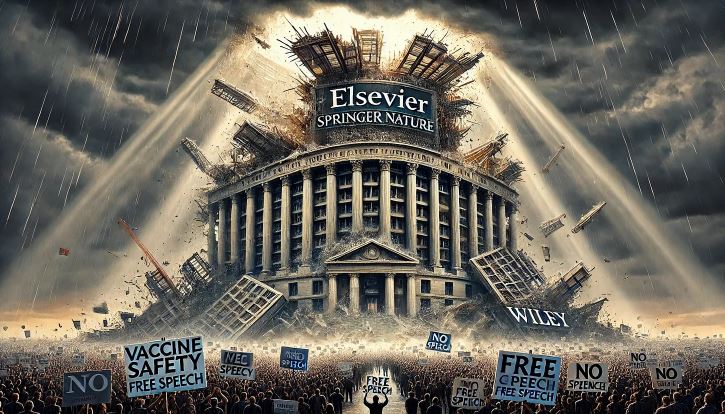
Most of the major publishers, including Elsevier, Springer Nature, Wiley, Sage Publications and Taylor & Francis, have formed a cartel under the International Association of Scientific, Technical, and Medical Publishers. The Cartel controls two-thirds of global journal publications, enforces unpaid peer reviews, restricts manuscript submissions, and delays scientific progress—all to protect their multi-billion-dollar profits. This resulted in a recent class action lawsuit against the Cartel for “tremendous damage to science and the public interest.”
The Cartel’s corruption extends to censoring critical genetic injection safety data in accordance with the Biopharmaceutical Complex, likely costing lives. A prime example of this is when Cartel member Elsevier violated COPE guidelines and immediately censored the Hulscher et al autopsy study proving a casual link between COVID-19 vaccines and death after it became the #1 trending research paper worldwide across all subject areas:
Dr. McMillan asked whether it was worth it—whether exposing these harms justified the personal and professional cost. My answer was clear: yes. Because what’s at stake isn’t reputations—it’s human lives.
Despite years of hostility, I remain unshaken. Academic bullying forged resilience, and personal attacks now bounce off me like light off a mirror. It’s clear that telling the truth wasn’t just the right choice—it was the only choice.
Click to read the article:
https://www.thefocalpoints.com/p/they-told-me-id-never-have-a-career
mRNA Vaccine Study Results

A deeply alarming set of statistics from an mRNA vaccine study in live animals is raising critical questions about food safety and livestock viability.
In a trial involving 525 hogs injected with a live mRNA vaccine, the 21-day outcomes were catastrophic:
• 25 Animals SUCCUMBED TO DEATH.
• 55 Animals became severely ANOREXIC, nearing death.
• 20 Animals suffered from debilitating LAMENESS.
• 12 Animals exhibited severe LOSS OF CONDITION.
• 25 Additional animals presented with NEAR-DEATH symptoms.
This equates to a staggering 30% morbidity and mortality rate.
Only 70% of the herd remained viable to any extent, presenting a dire threat to any farming operation.
Most disturbingly, post-mortem analysis revealed remnants of the live virus vaccine persisted within the tissue of the deceased animals. The implications are twofold and severe:
For the CONSUMER: This raises a monumental food safety question. The potential for a live virus vaccine to be present in the meat supply introduces a unknown variable into the food chain, a concern for every family prioritizing health and transparency.
For the PRODUCER: This is an existential threat. Adopting a pharmaceutical technology that could potentially decimate 30% of a herd is not merely a poor business decision—it is a fast track to financial ruin, destroying livelihoods and generational farms.
This isn’t just a study; it’s a warning. Share this information. Demand accountability and transparency. Support the farmers who prioritize the health of their animals and, by extension, the public.
Cause Of Cardiomyopathy
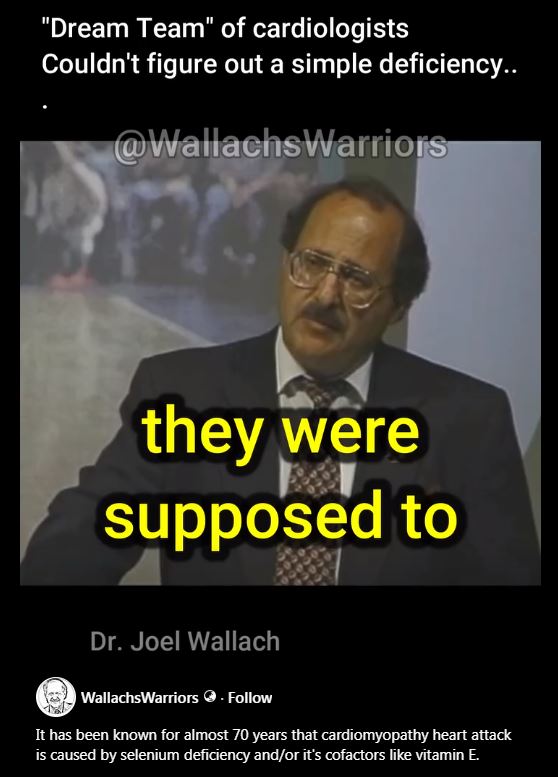
Cardiomyopathy refers to conditions that affect your heart muscle (myocardium) in which the muscle is abnormally enlarged, thickened, and/or stiffened.
If you have cardiomyopathy, your heart can’t efficiently pump blood to the rest of your body. As a result, you may experience fatigue, shortness of breath or heart palpitations.
According to Joel Wallach, the cause of cardiomyopathy is apparently a deficiency of Selenium and vitamin E.
Click to view the video: https://www.facebook.com/reel/1960013848176007
Selenium is far less abundant in our soils and most of us do not get enough of it. No wonder heart disease is on the rise. This is one reason why I take a selenium capsule, a CoQ10 capsule and 1,200 IU of Vitamin E as part of my daily routine.
COVID-19 vaccine recommendations dropped by panel
The new ACIP Committee has been delicately chipping away at the mRNA guidelines with archeological tools. Yesterday, they fired up the jackhammer. The Wall Street Journal ran the story under the intentionally confusing headline, “COVID-19 vaccine recommendations dropped by panel, shots won’t require a prescription.”
The news was that the CDC’s vaccine committee (called ACIP) met again yesterday for its second full day. They ultimately voted to further limit the covid mRNA shots, this time adding a requirement for “shared clinical decision-making” before anyone under 65 or not in a ‘high-risk’ group can get the shots. They nearly voted to require a prescription, it was so close, but that vote failed by a small margin.
Corporate media and its pet experts were alarmed, worried, fretful, and terrified, squawking things like this is the end, nobody’s following the science, and so forth and so on.
But, apart from that, the meeting was a bloodbath for the jabs. In the clip above, Pfizer and Moderna declined to respond to a direct question from a committee member. Even worse, they were forced to sit through a several lengthy presentations by the newly formed “Vaccine Working Group” about all the growing questions and problems over the jabs.
“Beyond antibody changes,” one presenter began, “the vaccinations have also been linked to long-lasting shifts in cytokine profiles, with elevated inflammatory cytokine persistence for months. These immune alterations may contribute to an increased risk of recurrent infection in some individuals.”
That was just the first bullet point.
The Workgroup continued through problem after problem, discussing biodistribution (it spreads all over the body, including into the brain), frameshifting (it creates random ‘nonsense’ proteins), and implausibly high levels of DNA contamination, including parts of a monkey virus (SV40), especially in the Pfizer shot.
💉 Even more astonishing, following the meeting, the CDC itself tweeted a very critical comment from Dr. Malone, questioning how the drugmakers can even tell the shots work.
What Dr. Malone meant is that there is no agreed-upon measurement —like a specific antibody level— that reliably predicts whether a person “is protected” from covid, either in terms of bare infection or severe disease.
Absent “consensus” on even what proves protection exists, how can the drugmakers claim the shots produce protection? Stop saying that.
Malone was pointing out that pharma’s claims of efficacy were only based on large-group statistical conclusions, rather than any hard-science-based —i.e. measurable— biological effect. Whereas, most other vaccines do have established correlates of protection— meaning that there are well-defined, measurable biological markers (often specific antibody levels) that can reliably predict immunity.
Anyway, Malone had a solid point, and he made it well. But the more important development was that his point was then re-published by the official US government Twitter account for the Centers for Disease Control and Prevention. And that wasn’t all. The CDC also published a whole string of clips, the most recent including a clip of Dr. Retsef Levi stating that, “Sub-clinical myocarditis can cause death. It’s proven. It’s not questionable. Nevertheless, we are not talking about this with patients, and we are not stating that risk.”
They are prying the Overton Window open, inch by inch, one post at a time.
You should see the crazed hysteria in the comments by the medical fetishists, who are mad as hornets that their beloved CDC is now being used to push all this anti-vaxx propaganda. Don’t actually read the comments. There’s no logic; the pro-vaxxers never try to rebut the claims on the merits; it’s just name-calling and non-sequiters.
Some may wonder why, with all these evident problems, the Committee didn’t just withdraw authorization from the shots altogether? The short version is, this problem didn’t develop in a day, and it won’t be fixed in a day. The Committee appears to be carefully building an unassailable scientific record before pulling the plug. Still, every time they get a whack at the Pfizer piñata, they hit it a little harder.
The clock is ticking, louder and louder.
https://open.substack.com/pub/coffeeandcovid/p/unprescribed-saturday-september-20
Would Parents Agree?